

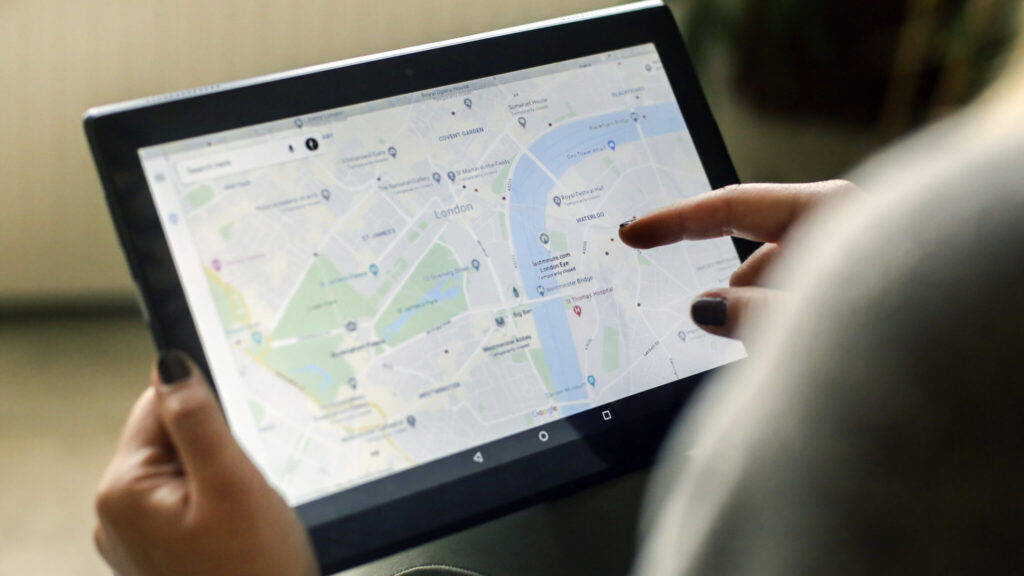
Your Google Business Profile (GBP) is one of the most powerful tools for improving your local search visibility and attracting more customers. Whether you’re a small business or a larger enterprise, optimizing your GBP can directly impact how potential customers find and interact with your business online. In this blog post, we’ll cover key strategies for optimizing your profile to ensure you stand out in local search results and drive more traffic to your business.
1. Claim and Verify Your Business Profile
The first step to optimizing your Google Business Profile is to claim and verify it. This establishes your ownership and allows you to manage the information displayed about your business. Visit the Google Business Profile page, enter your business details, and follow the verification process—typically via phone, email, or mail. Verification is crucial, as it ensures your business appears in local searches and on Google Maps.
2. Complete Your Business Information
Google values complete and accurate information. Fill out all the fields in your profile, including:
- Business Name: Ensure it matches your brand name exactly.
- Address and Phone Number: Consistent and accurate contact details are essential for local SEO.
- Category: Choose a primary category that best represents your business and add additional categories that further describe your services.
- Hours of Operation: Regularly update your hours, including holidays and special events, to keep customers informed.
3. Use High-Quality Photos and Videos
Visual content is a critical component of your Google Business Profile. Add high-quality photos and videos that showcase your business location, products, services, and team. Profiles with appealing visuals attract more clicks, build trust, and enhance engagement. Make sure your images are clear, well-lit, and accurately represent your business.
4. Optimize Your Business Description
Your business description is an opportunity to tell potential customers who you are, what you do, and what sets you apart. Use concise, engaging language to highlight your unique selling points, services, and values. Include relevant keywords naturally, but avoid keyword stuffing, which can harm your SEO performance. Focus on delivering value and clarity to your audience.
5. Leverage Customer Reviews
Customer reviews play a vital role in local SEO and consumer trust. Encourage satisfied customers to leave positive reviews on your Google Business Profile. Respond promptly and professionally to all reviews, whether positive or negative, to show that you value customer feedback and engagement. Consistently managing your reviews helps build credibility and improve your ranking in local search results.
6. Add Posts to Engage Your Audience
Google allows businesses to publish posts directly on their Google Business Profile. Use this feature to share updates, promotions, events, and news. Regularly posting content keeps your profile fresh and signals to Google that your business is active and engaged. Keep your posts concise, include a call to action, and utilize eye-catching images or graphics to capture attention.
7. Utilize Attributes and Services
Take advantage of the attributes and services sections in your profile. Attributes allow you to highlight specific features of your business, such as “wheelchair accessible” or “free Wi-Fi.” The services section lets you detail the offerings you provide, making it easier for potential customers to understand what you do and enhancing your visibility in relevant searches.
8. Monitor and Analyze Performance
Regularly review your Google Business Profile insights to understand how customers are finding and interacting with your business. Track metrics like search queries, views, and actions taken (such as calls or website visits) to assess the effectiveness of your optimization efforts. Use this data to refine your strategy, adjust your profile, and continue improving your local search performance.
Conclusion
Optimizing your Google Business Profile is a critical step in enhancing your online presence and driving local customer engagement. By ensuring your profile is complete, accurate, and regularly updated, you can improve your visibility in local search results, attract more customers, and ultimately grow your business. Start optimizing today and watch your online reach expand!
“ By making your site better for search engines, you’re making your site better for everyone.”
Google Search Central

Read Next
Content That Converts: How to Create High-Quality Content for Your Business
September 15, 2024